THE PLAYBOOK · WHWYBK
How to play Minesweeper
Play Minesweeper on WHWYBK, then compare your approach with the example below. Open all 71 safe cells. Opening a mine ends the round. Flags help you mark suspected mines but do not replace opening safe cells. The accompanying practice note focuses on explain your choice.
Explain your choice
Try describing the reason for a move or action in one sentence. If the reason is unclear, revisit the rules before continuing.
Your goal
Open all 71 safe cells. Opening a mine ends the round. Flags help you mark suspected mines but do not replace opening safe cells.
Step by step
- Open a covered square to reveal it.
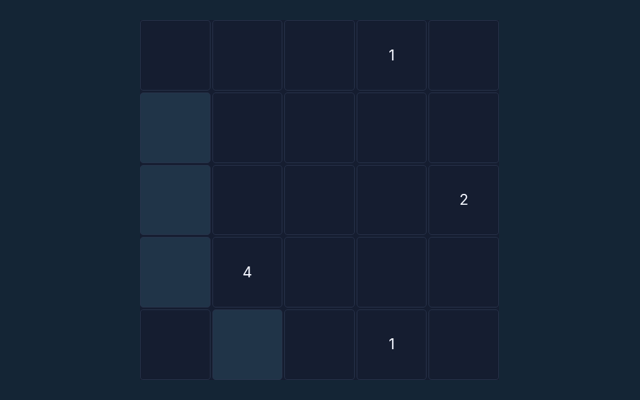
- A number counts mines in the surrounding eight positions.
- Right-click to flag on a computer, or enable Flag mode on a phone.
- Use safe deductions to open the remaining cells.
Controls
Click/tap to open. Right-click to flag, or use the Flag mode toggle for touch devices.
A useful example
A revealed 1 with only one covered neighbour means that neighbour contains a mine.
Watch out for this
A flag is your own note, not a confirmation from the game. Remove a mistaken flag before opening that square.
Common questions
How does this round end?
Open all 71 safe cells. Opening a mine ends the round. Flags help you mark suspected mines but do not replace opening safe cells.
Can I play without an account?
Yes. This game runs in your browser without an account or a payment. There are no cash prizes.
How do I start over?
Use the New round, New puzzle or Start again control above the playing area. Starting again clears the current round.